Product details
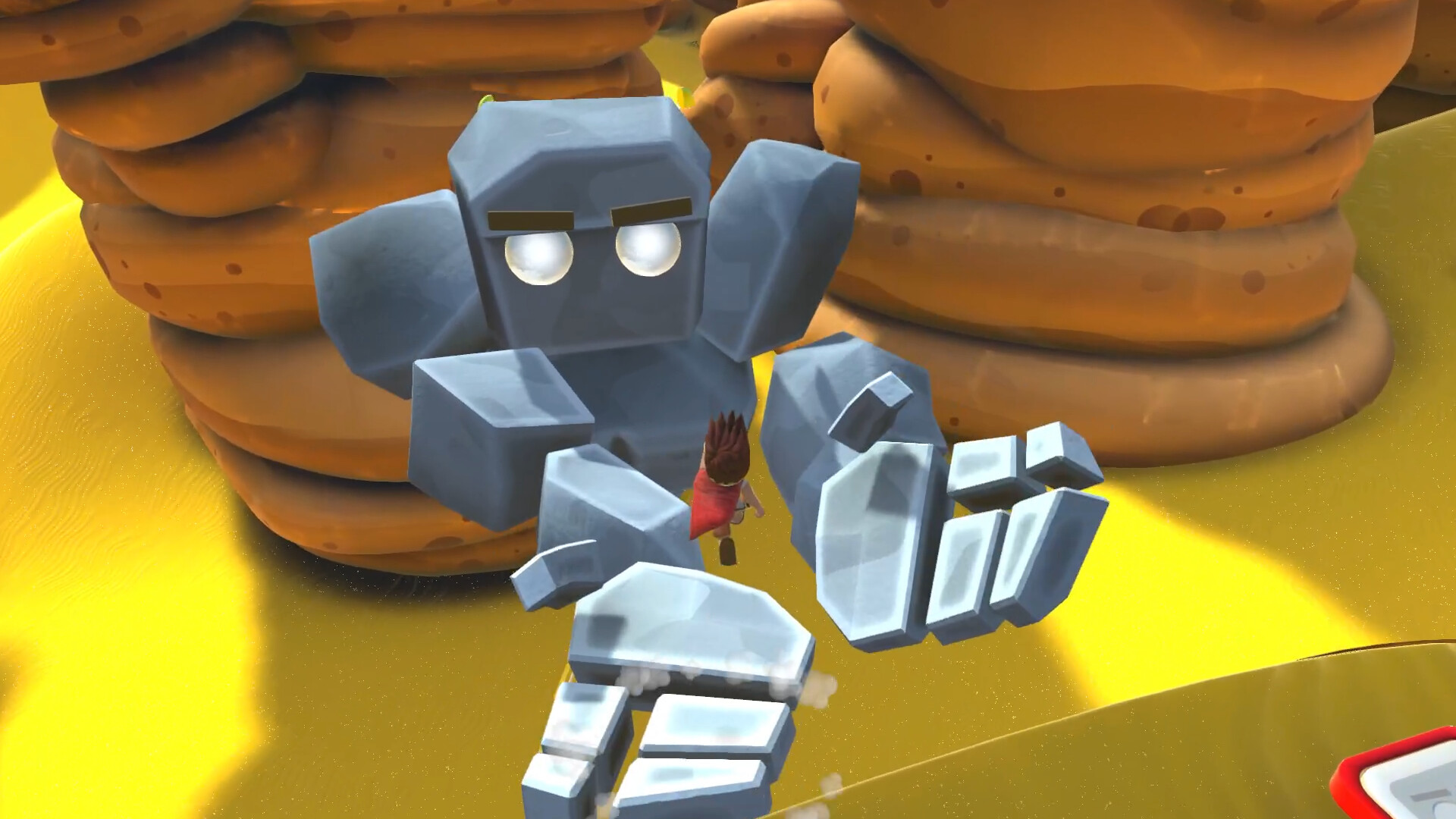
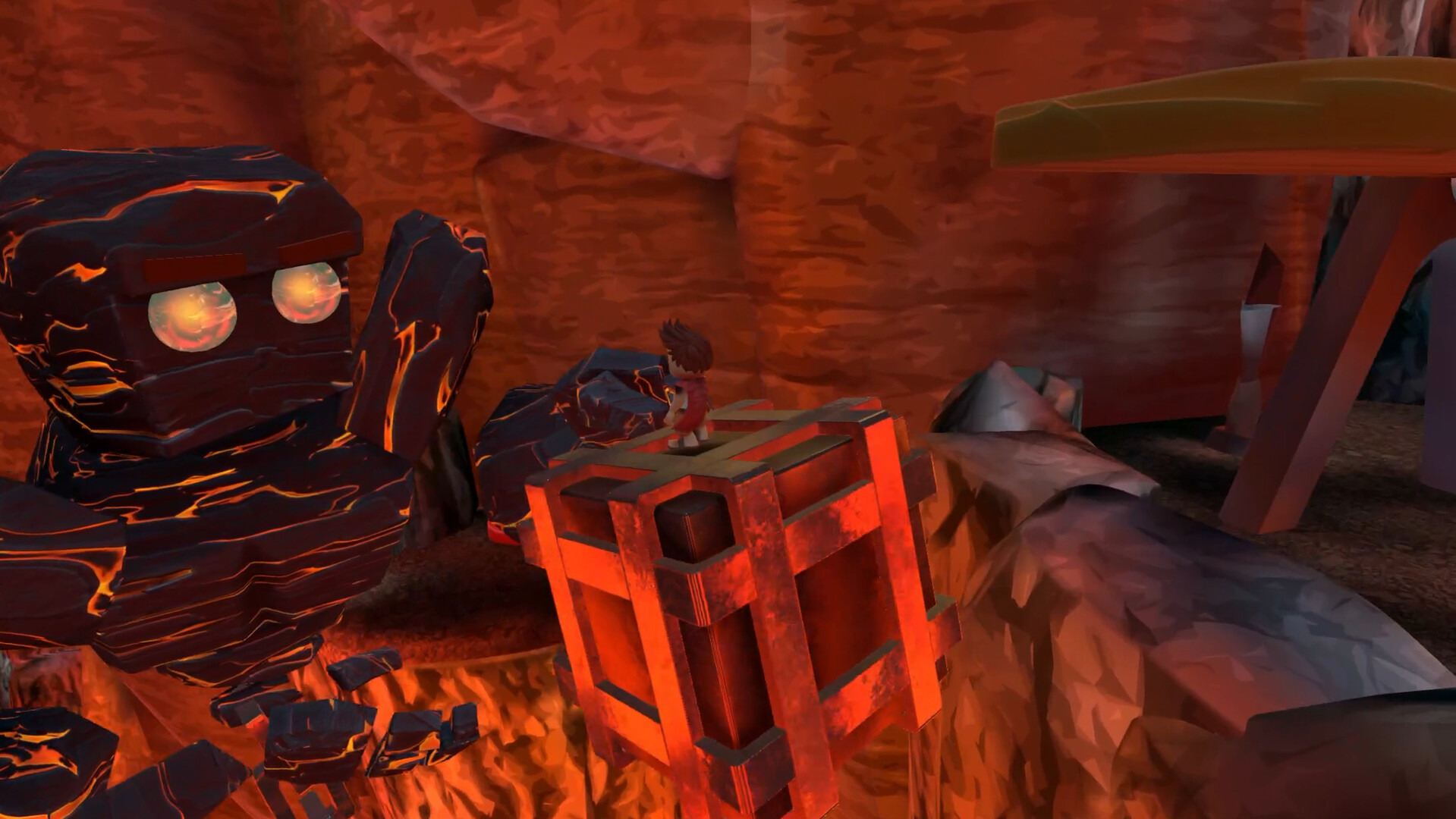
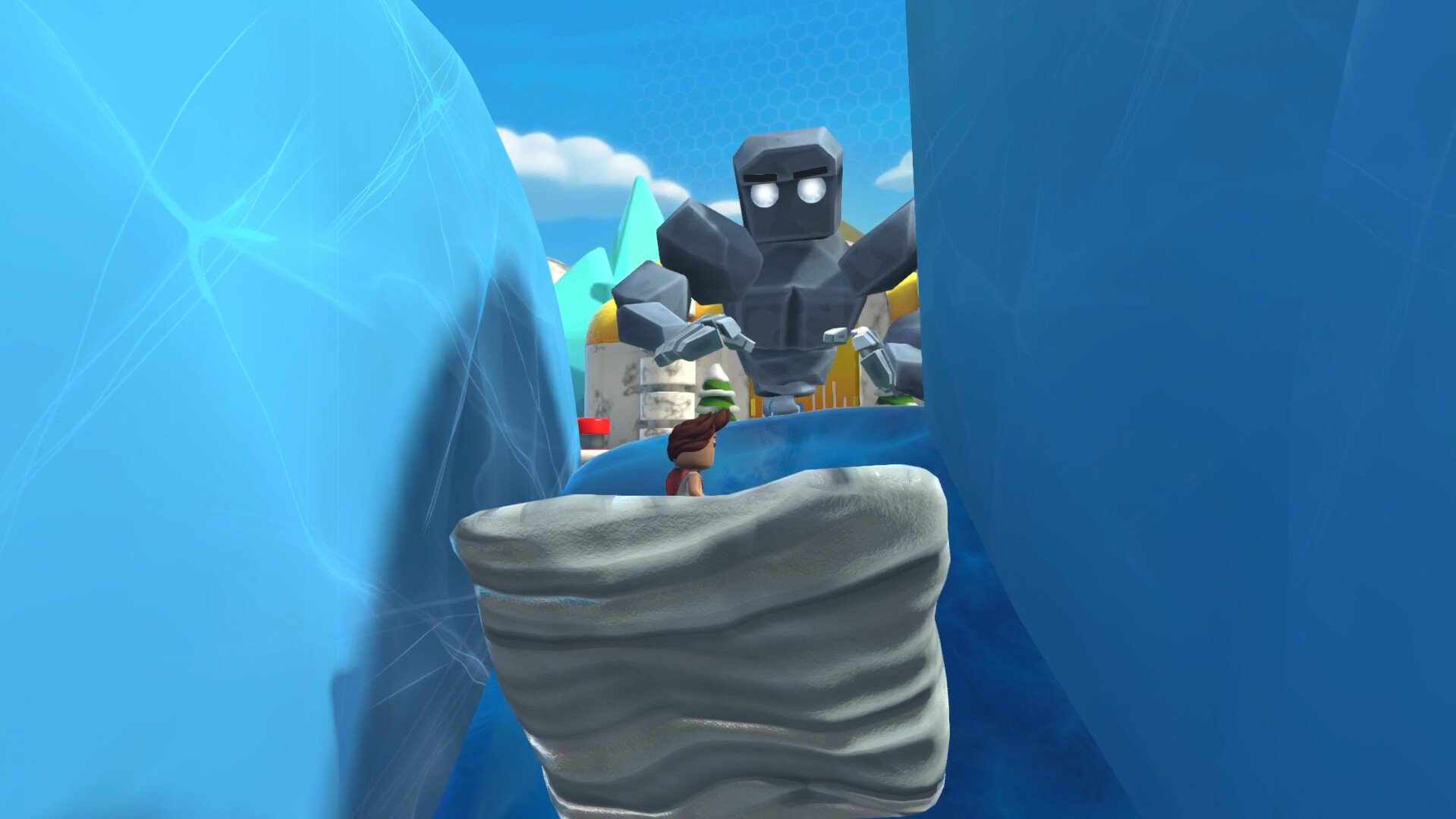
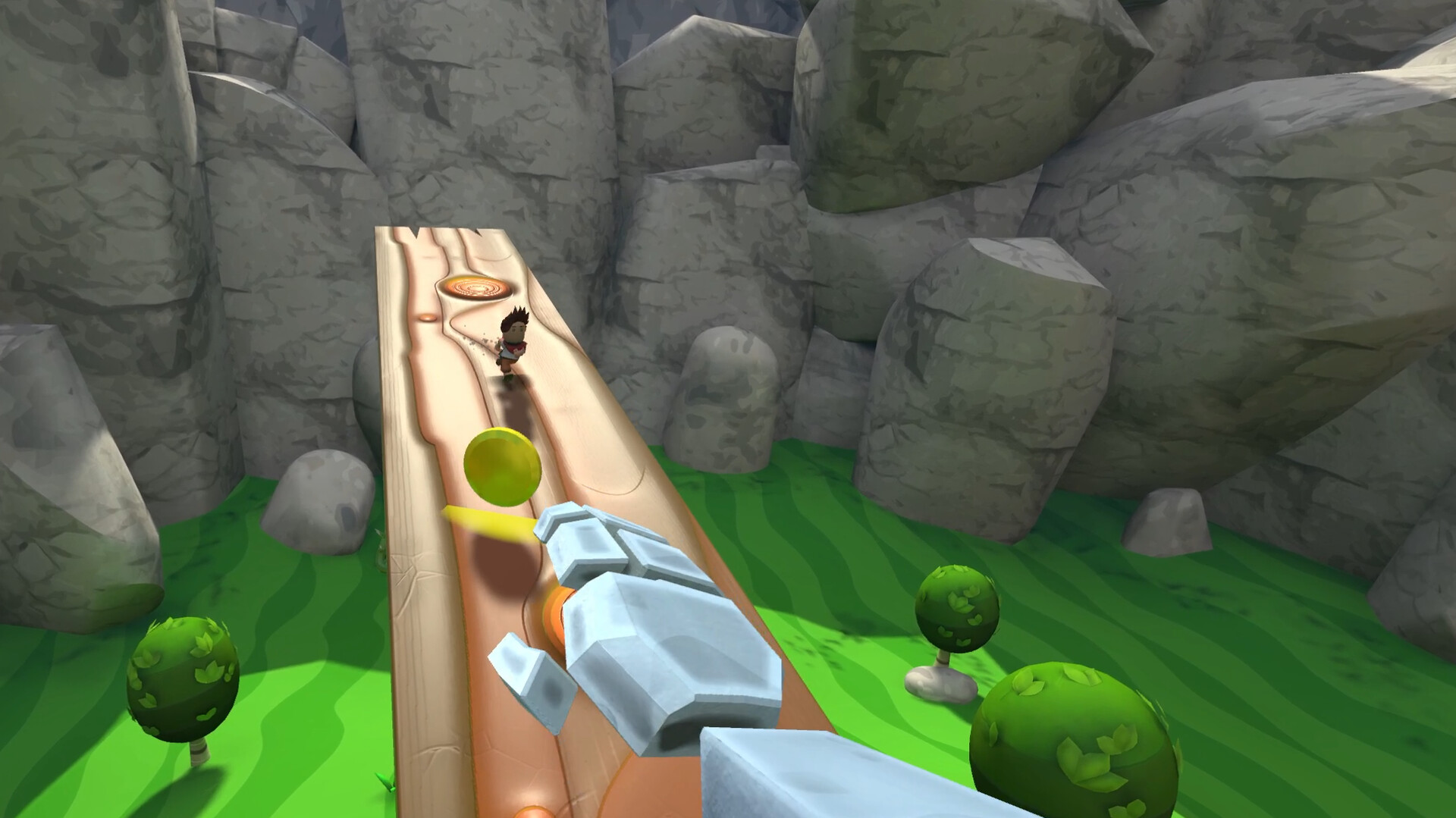
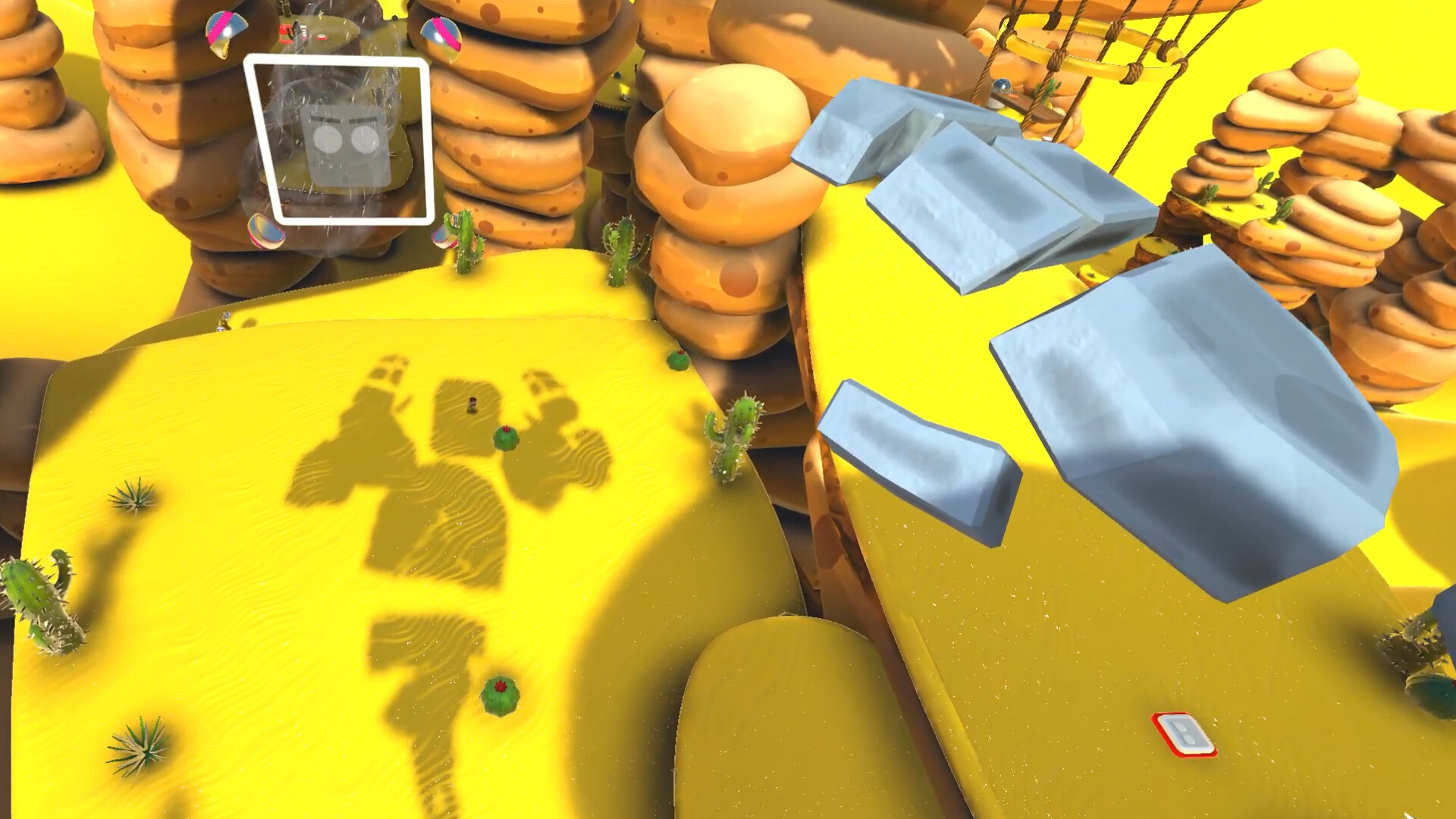
A VR player and a screen player play together on one PC in the same virtual world. The VR player becomes a giant and the screen player controls a tiny person. Only by working together they can solve the puzzles and regain their freedom.VR Giants sparks joy and teaches kindness and team communication in a fun and intuitive way by making use of the unique technological feature of two completely different input devices. Locomotion: In VR Giants locomotion works significantly different than in other VR games: It is not the giant player that can choose their own position inside the virtual world, but it is the tiny player that changes the giant’s position by stepping on buttons to activate new play areas.Enjoy intricate puzzles on your adventures through deserts, icebergs, lava caves and pastures to rescue David’s lost sheep. Learn how to use Goliath different states to your advantage such as: Solid Goliath: The giant is summoned by a button that is pressed once and can be released afterwards. Temporary Goliath: Goliath appears at a play area only as long as David continuously presses the button. Fire Goliath: The giant is made from lava and must not touch David or any wooden objects. Play your adventures without dying and get great rewards like cosmetics.