Viki Spotter: Sports PC Steam CD Key

2 in stock

8.13

Product details

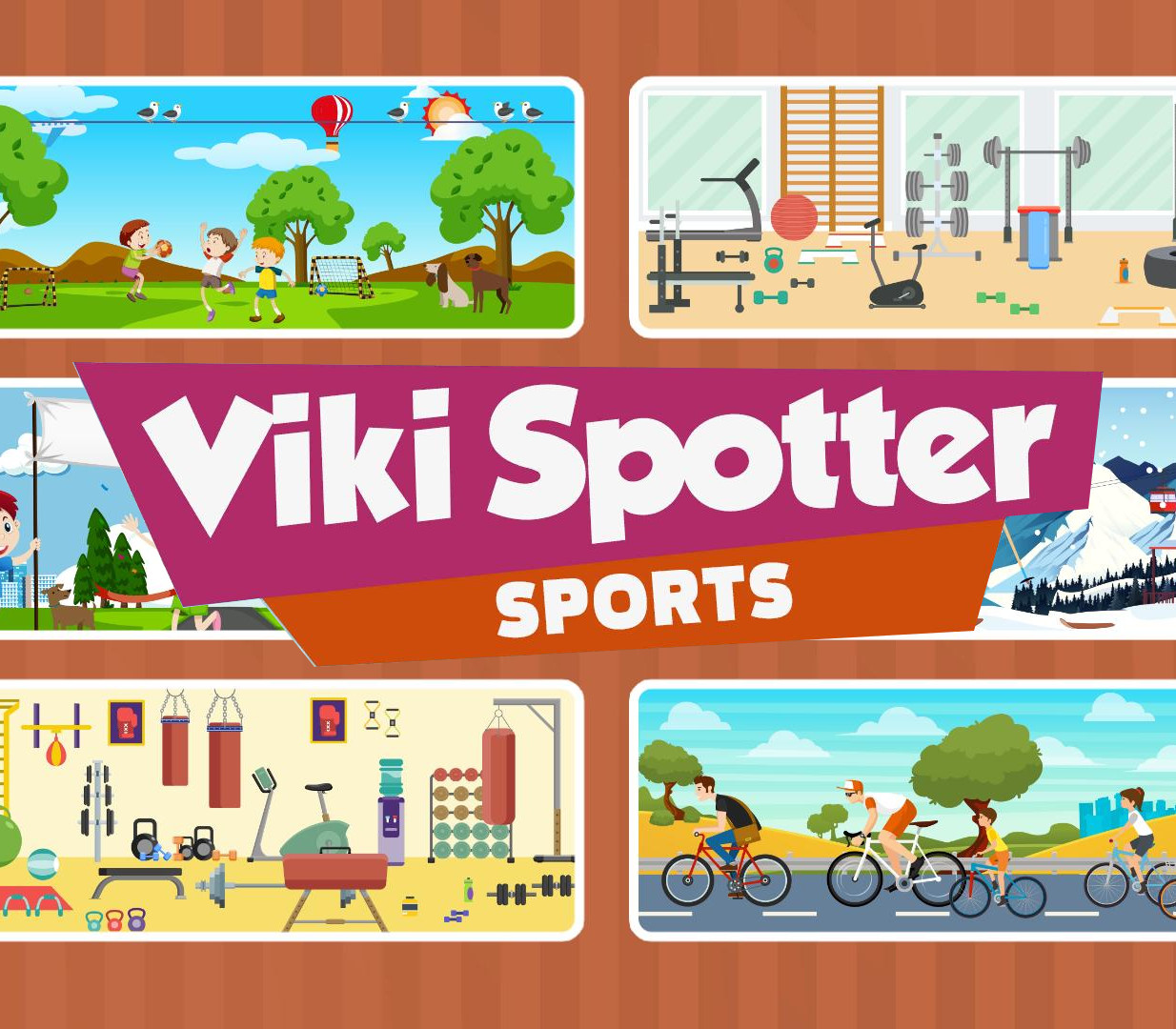
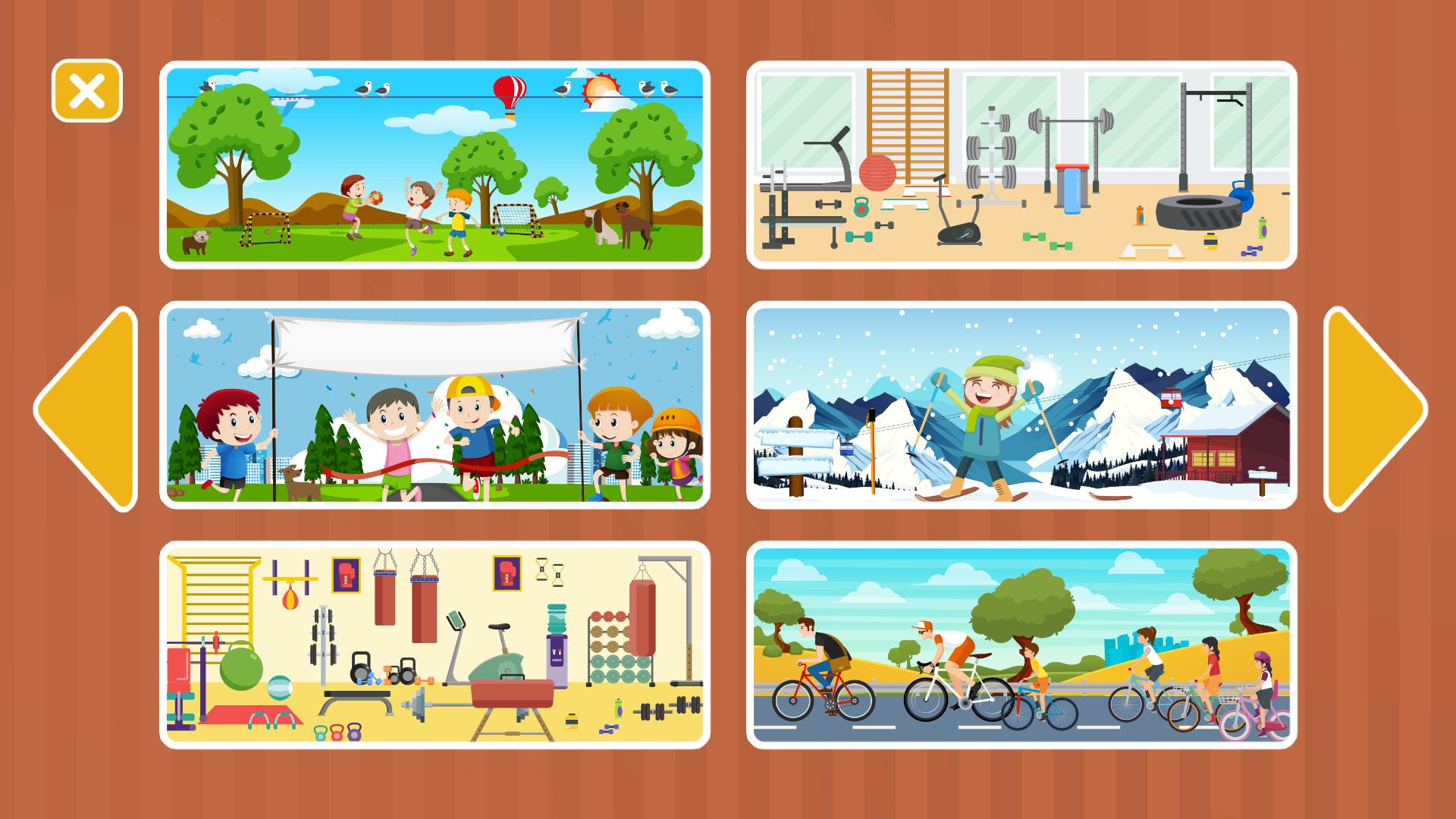
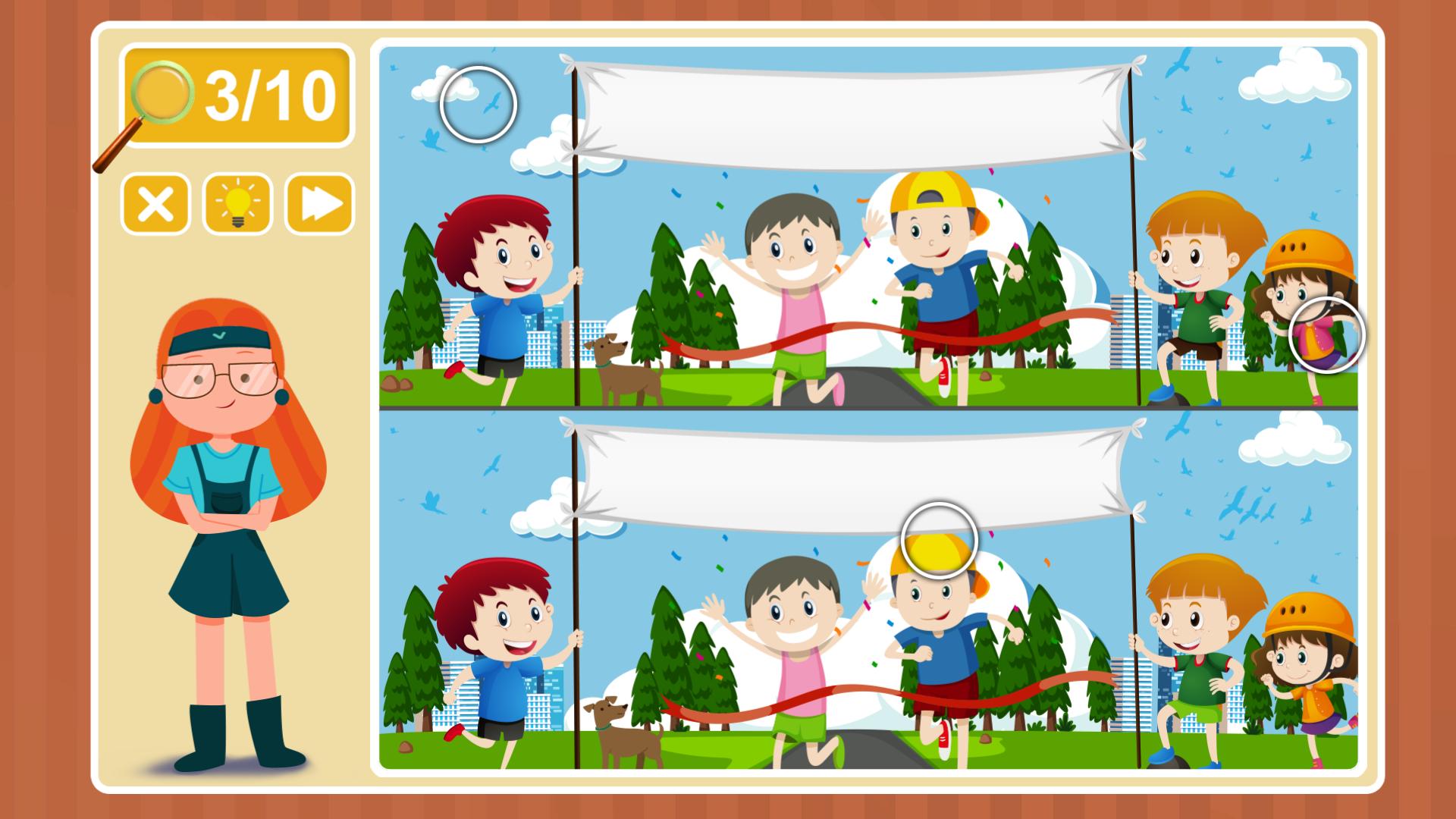
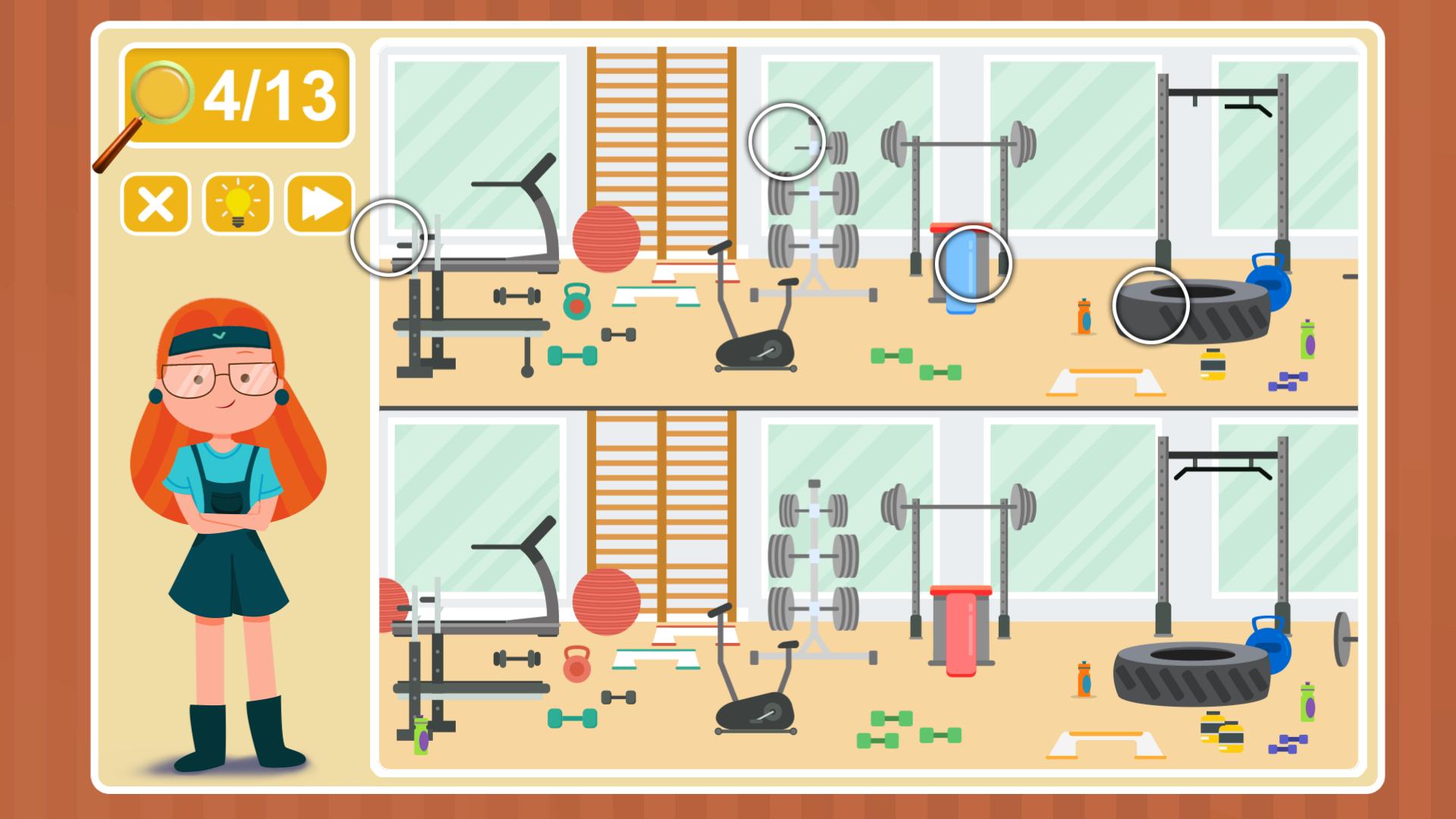
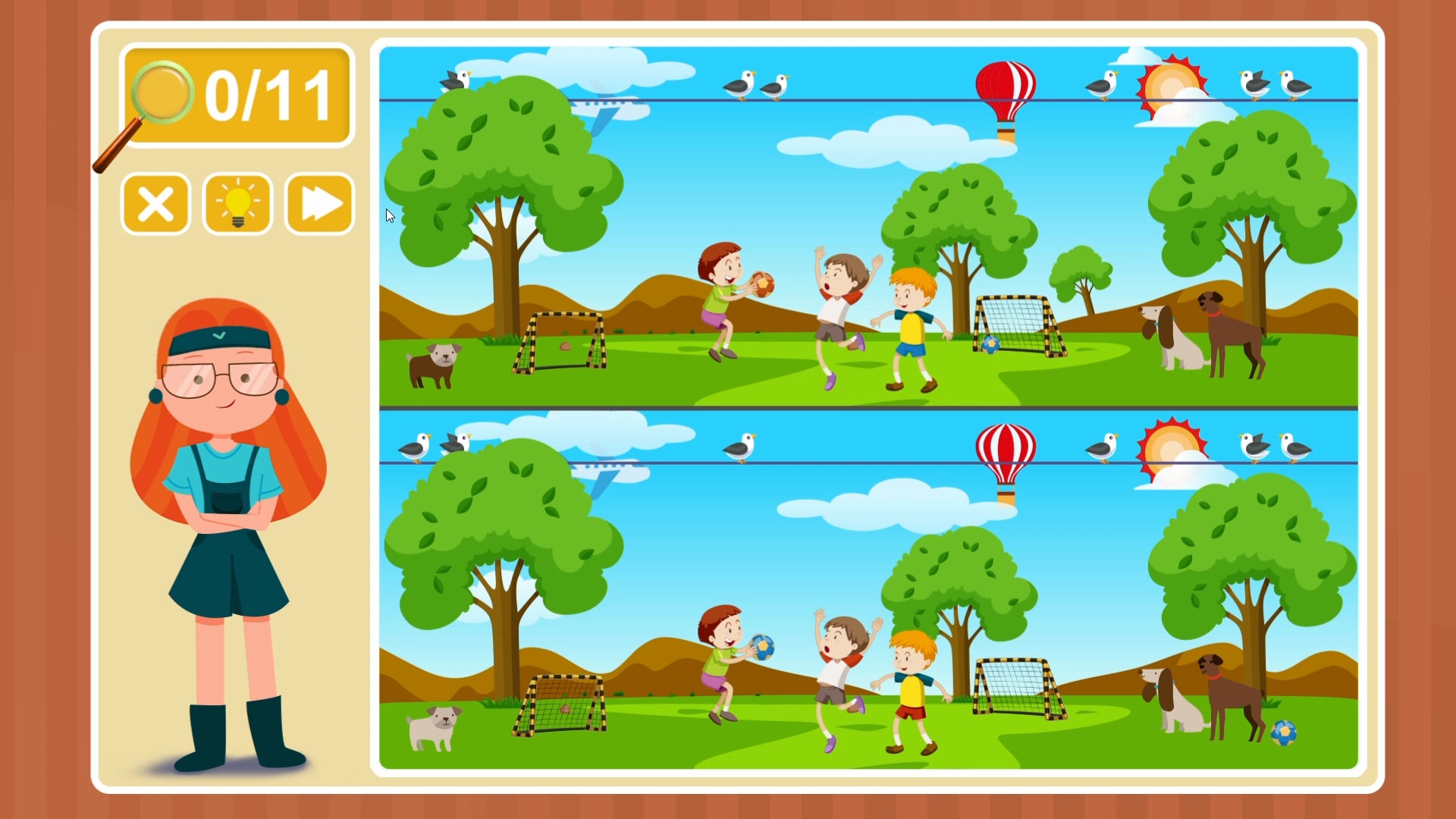
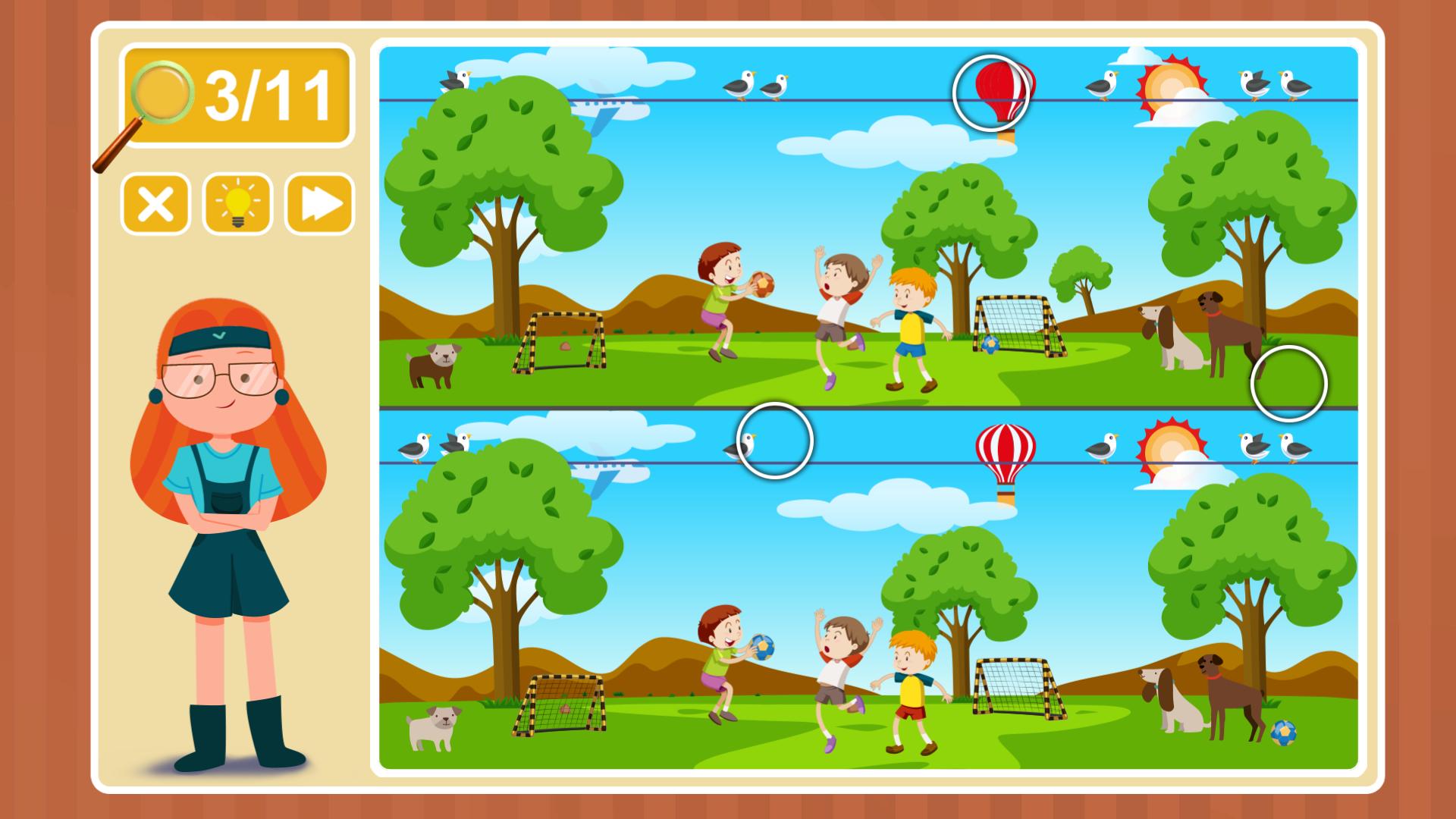
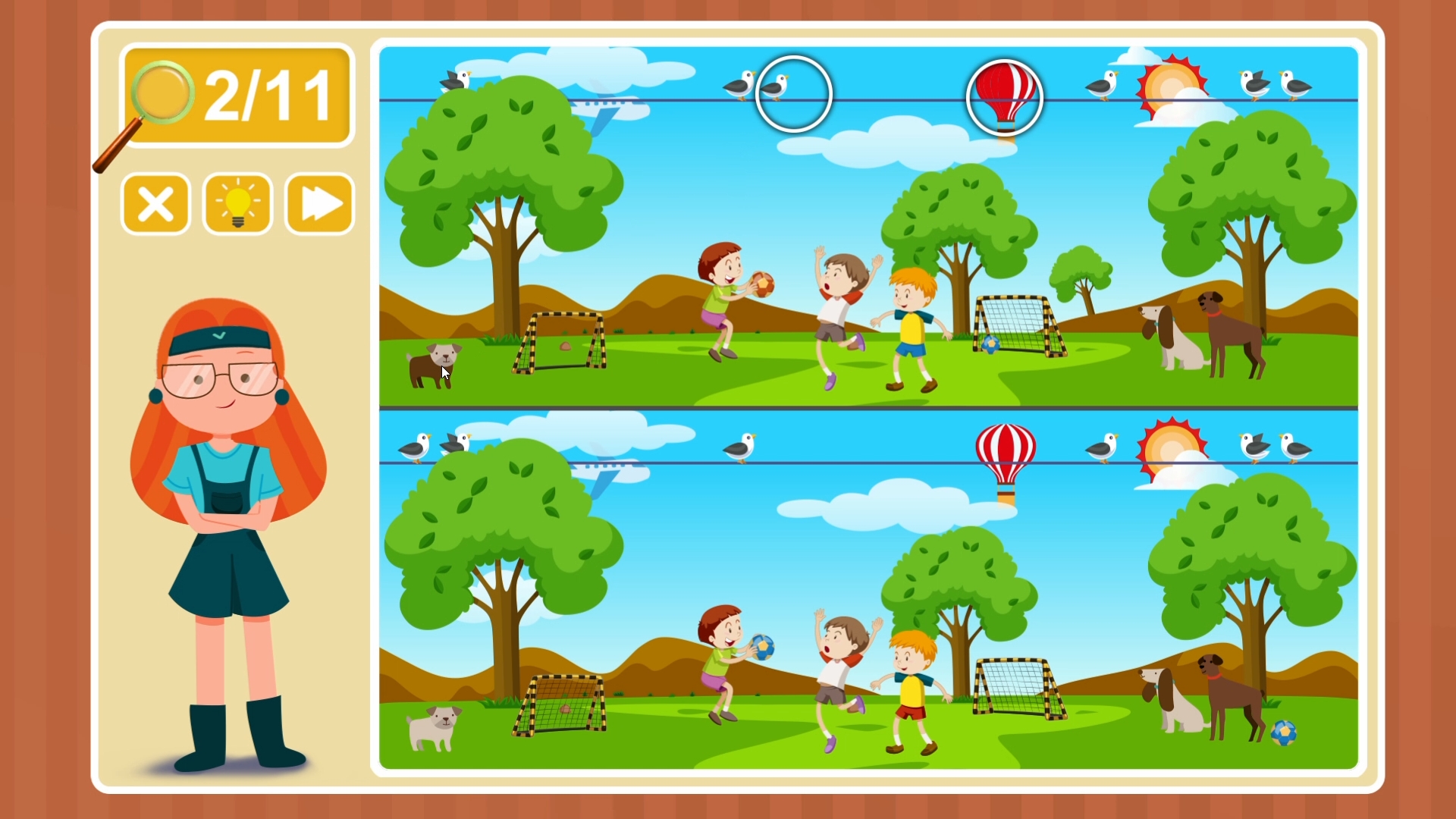
This game is great for developing your mindfulness skills. Here you have to take a good look at the pictures offered to you and find out how they differ among themselves. Whether you are an adult or a child – this may not be so easy at all, some differences are very difficult to locate for the first time. In this part of the game you have to go straight to the gym. If you suddenly forgot what the gym looks like or what kinds of sports exist around – it’s time to remember this together with the little girl named Viki. She is going to implement a fascinating journey into the world of big sport and learn about all that might seem interesting. And in helping her will be specifically you. Visit various competitions and simulators, learn all about the world of sports and entertain yourself by finding differences in a variety of colorful pictures. Spend time with benefit and interest. The game perfectly trains such skills as resourcefulness and attentiveness. And if the tasks in the game seem too complicated for you, you can always use the hint. But remember that at the same time all sports interest is lost! Features Many interesting scenes Pleasant graphics Easy gameplay Many Steam achievements The game is suitable for Windows, Mac and Linux

Additional information

Developers

For Kids

Publishers

For Kids

Genres

Casual, Indie

Platform

Steam

Languages

English

Release date 2018-05-29
Steam Yes
Age rating PEGI 3
Regional limitations Region free
Windows
Minimum: OS: Windows XP Processor: Core2Duo Memory: 512 MB RAM Graphics: Intel HD2000 Storage: 1 GB available space Sound Card: any
Linux
Minimum: OS: Ubuntu 12.04/SteamOS Processor: Dual Core Memory: 512 MB RAM Graphics: OpenGL 2.1+, GLSL 1.2+, 256 MB VRAM Storage: 1 GB available space Additional Notes: Windowed mode recommended due to possible base input issues.
Mac
Minimum: OS: Mac OS X 10.9+ Processor: DualCore Memory: 512 MB RAM Graphics: Intel GMA 950 Storage: 1 GB available space
Go to: http://store.steampowered.com/ and download STEAM client Click "Install Steam" (from the upper right corner) Install and start application, login with your Account name and Password (create one if you don't have). Please follow these instructions to activate a new retail purchase on Steam: Launch Steam and log into your Steam account. Click the Games Menu. Choose Activate a Product on Steam... Follow the onscreen instructions to complete the process. After successful code verification go to the "LIBRARY" tab and start downloading.
Back to Top
Product has been added to your cart
Compare (0)