

Product details
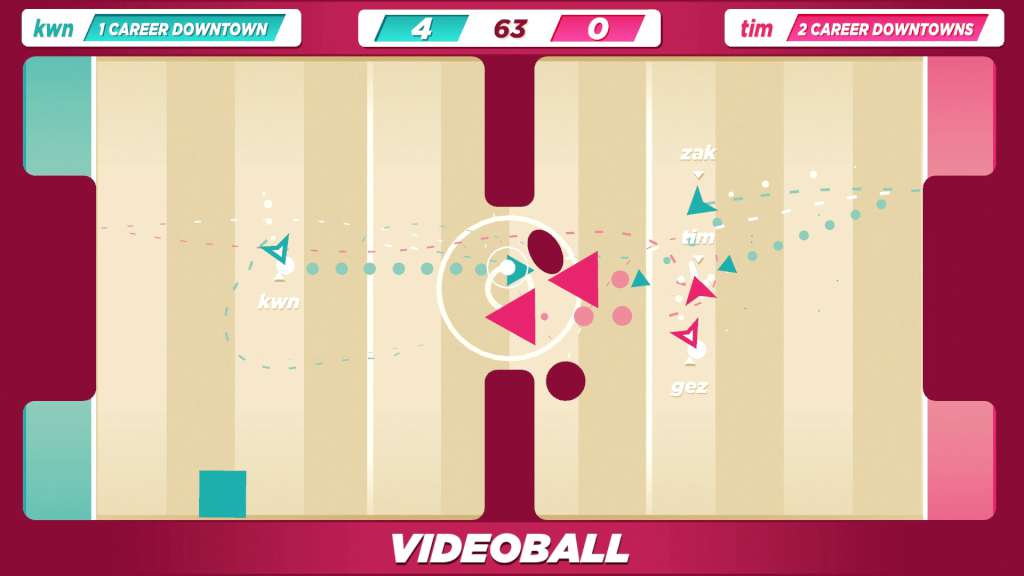
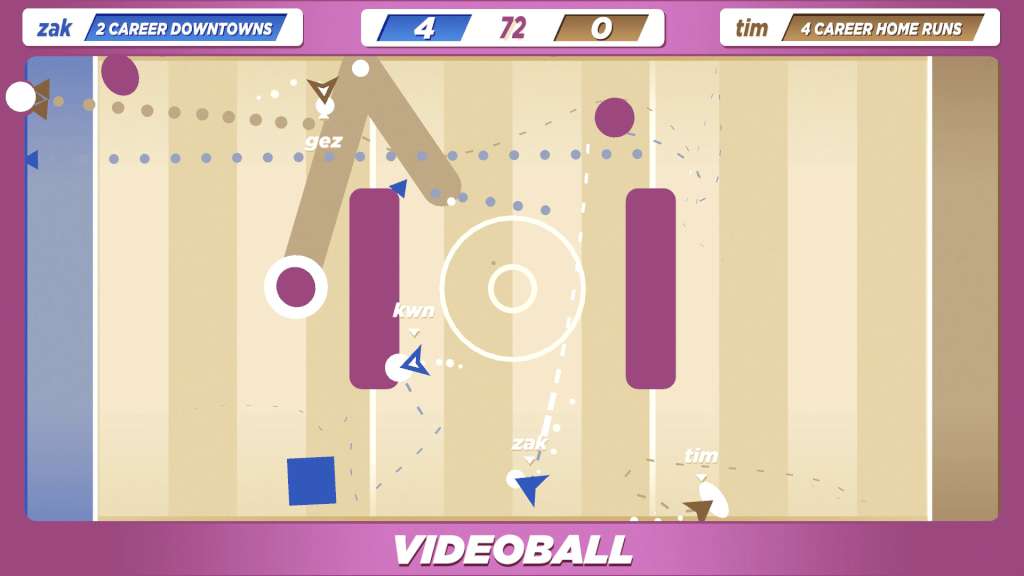
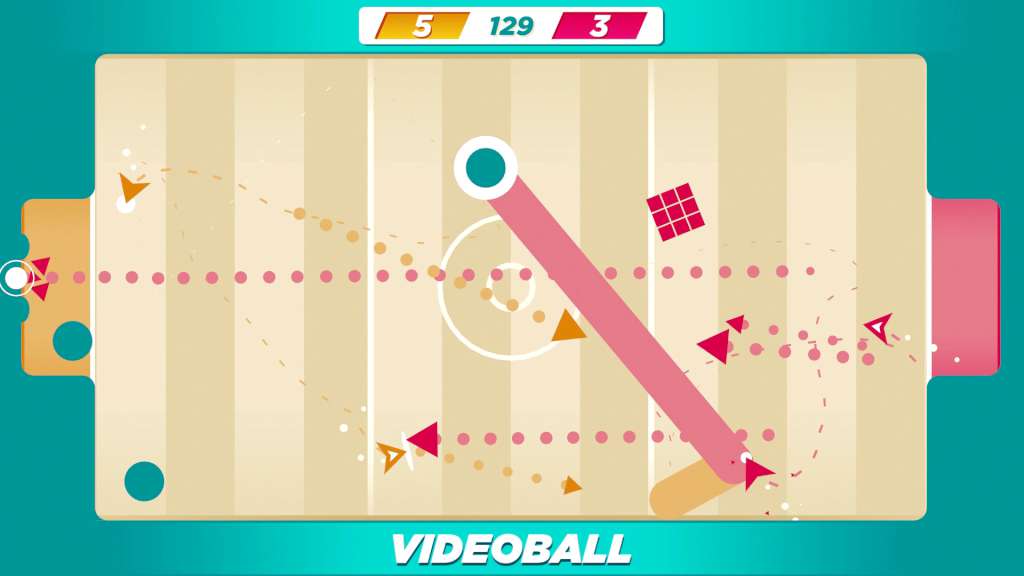
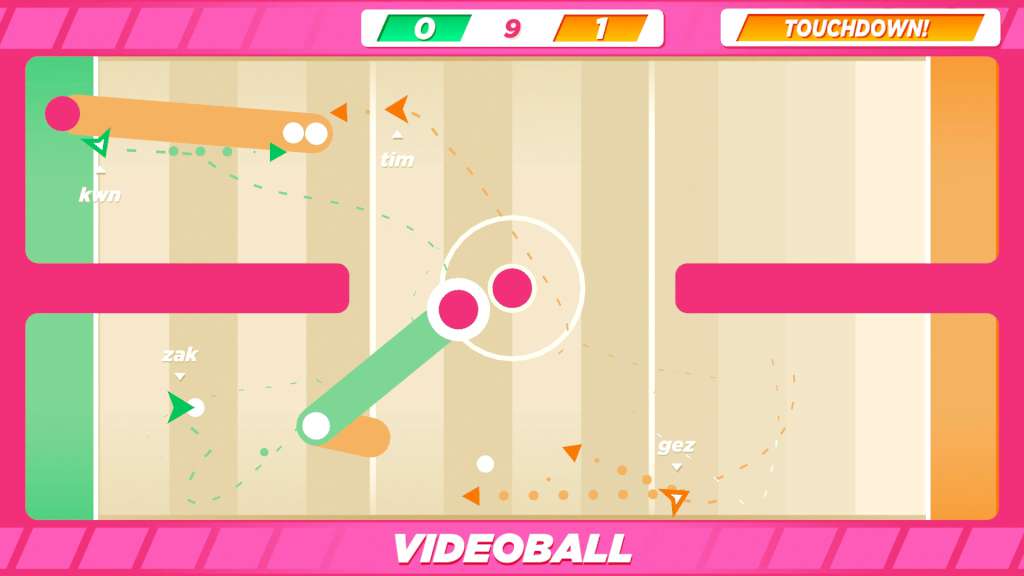
VIDEOBALL Steam CD Key Platform: Steam Release Date: 12/07/2016 Product Description VIDEOBALL is a sport everyone can play! We researched basketball, football, soccer, first-person shooters, and real-time strategy games. VIDEOBALL is a compact expression of all sports’ mechanics. Use either analog stick or the directional buttons to maneuver. Use any button or trigger to project a triangle. Only triangles can displace balls. Hold your button or trigger to charge a bigger triangle. Bigger triangles push harder. Stun opponents or cancel triangles with other triangles. Push balls into the opposing goal to score points. Score more points in order to win. Win in order to Feel Real Good. Features Online: Compete in exhibition or ranked VIDEOBALL in solo or team modes. Customizable: Various arenas, color palettes, music tracks, and backgrounds. Local: Adjust ball count, time limit, and point values to design your own rule set. You are already a VIDEOBALL character: VIDEOBALL is part of Earth; VIDEOBALL is happening right now. If you want a new costume, put a hat on, buddy! System Requirements OS: Windows XP Processor: Core 2 Duo Memory: 2 GB RAM Graphics: Intel HD 4000 DirectX: Version 9.0c Network: Broadband Internet connection Storage: 200 MB available space Additional Notes: Two-, four-, or six-player local multiplayer requires at least one, three, or five controller(s) (respectively) with at least one directional input implement (digital or analog) and two buttons each (one button is action; the other button will pause the game).